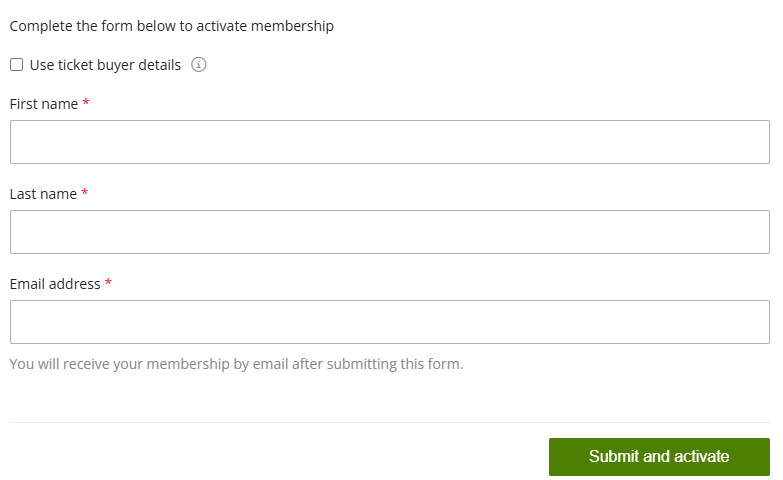
How to register a Season Pass!
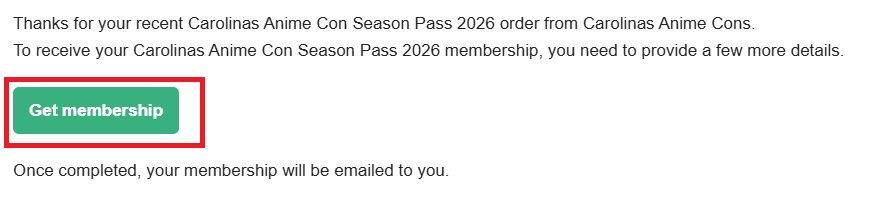
Step 1: Check for an email that looks like the one below.

Step 2: In that email, click the “Get Membership” button shown below
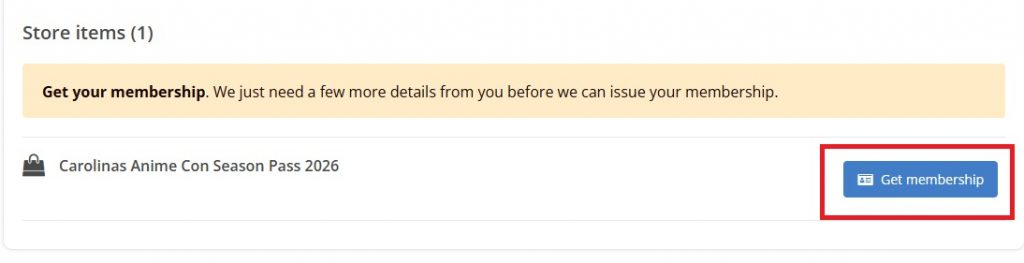
Step 3: Once step 2 is completed, you’ll see this. Click the “Get your membership for Order #-” button. (it will have your order number there)

Step 4: On this page click the “Get membership” button.
Step 5: Fill in the requested info and click “Submit and activate.”